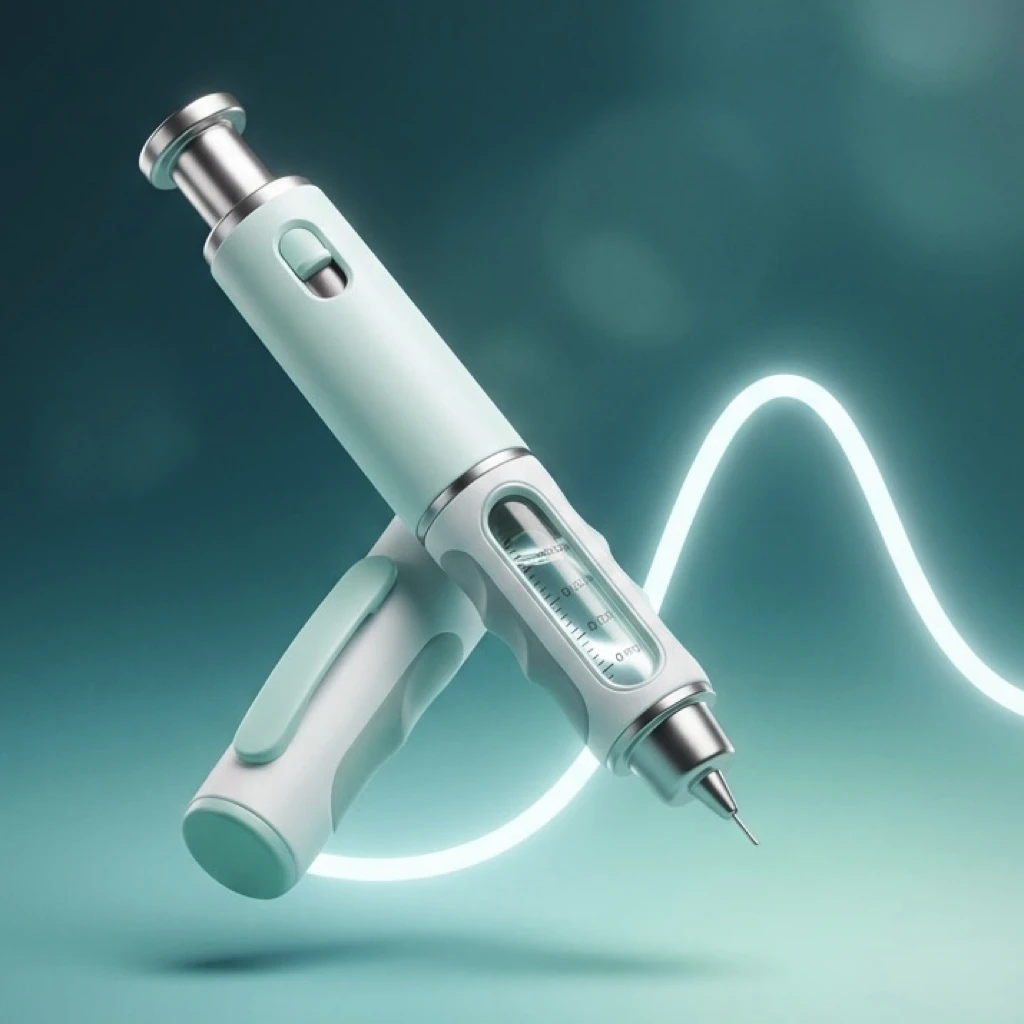
Log doses, weight, symptoms, measurements, and habits. See the next dose, medication level, and progress you can share — or take to the visit.
Dosewave is for personal tracking and education only. It does not provide medical advice, dosing guidance, or emergency services.

Today, the injection site, Results, and the report you take with you.


Doses, measurements, habits, and care notes in one private app — without replacing your care team.
Record each dose with site, timing, and notes. Weekly shots or daily tablets. Snooze from the lock screen.
See when your next dose is due on Today. Local notifications you control — including vitamins and extras.
Log weight plus waist, body fat, glucose, and blood pressure. Optional Apple Health import keeps the trend together.
Water, protein, and daily nutrition goals. Mark vitamins and other extras taken from the Log menu.
Visualize estimated active medication over time based on your logged doses.
Capture side effects and patterns around each dose to discuss with your clinician.
Compose a Story, Square, or Landscape card — or a short photo time-lapse — and share to Instagram, TikTok, or Messages.
Appointments, care notes, and a PDF that puts shots, weight, symptoms, and measurements in your clinician’s hands.
Your health data stays in your personal iCloud — synced across iPhone and iPad, never sold or used for ads.
Unlock advanced charts, share cards, extra measurements, Care Hub, supply alerts, PDF doctor reports, and more.Pro
Download Dosewave on the App Store
Point your camera at the QR code to open Dosewave on the App Store
Questions or feedback?